Here we are, a month on from Christmas, and a new 3D printer hums away in our home office. Our 11-year-old wants to print a simple fidget toy to show his mates on the school bus. Small object, quick reward, low stakes. The marketing.and the social shorts imply this is exactly what the printer’s for.
The reality is different. The printer works, of course it does, and the model exists. But the user has hit a wall.
That wall is the missing middle between “I want this object” and “here’s how to manufacture it.”
Consumer 3D printing hardware has improved fast: cheaper, sturdier, more reliable. Model libraries are abundant. The breakdown happens in the software, specifically the slicer. This is the gateway to printing, and it’s built like an expert tool.
The mismatch is structural. A beginner wants a reliable outcome; the slicer demands process control. More specifically:
- Language doesn’t map to intent
Slicers expose machine concepts and internal mechanics. They describe parameters you can change: retraction distance, Z-offset, support interface, seam position. These settings are real, and they matter. But they’re barely framed around what the user is trying to achieve.
Beginners don’t think, “I need to adjust my retraction.” They think, “Dad, why’s it suddenly all stringy?” They don’t think, “support roof.” They think, “Dad, how do I get this off without snapping it?”
When labels map to the machine rather than the outcome, users can’t predict consequences. They can only guess, or disappear down Google rabbit holes.
- Choice isn’t prioritised
Most slicers present “available” and “appropriate” as equals. The result is a dense panel of options with weak hierarchy and next to zero guidance on what matters first.
It may be designed with the intention of empowerment and precision. In practice it lands as cognitive burden. For a novice, the implicit message is: if this print fails, it’s because you couldn’t figure out to configure it correctly.
- Feedback arrives too late
3D printing has a slow loop. Prints take hours and failures often show up late, or worse, out of sight. The cost of learning is time, material, and patience. When you’re 11, with limited downtime in the week and busy weekends, the threshold for giving up is pitifully low.
When things go wrong, the slicer rarely helps you diagnose or recover. And when the workflow itself is fragmented, ie. slice on one device, move a memory card, print on another, the feedback loop gets even weaker. People end up in forums, LLMs, and YouTube. There they meet the expertise gap: explanations (from well meaning nerds) built on mental models they don’t yet have.
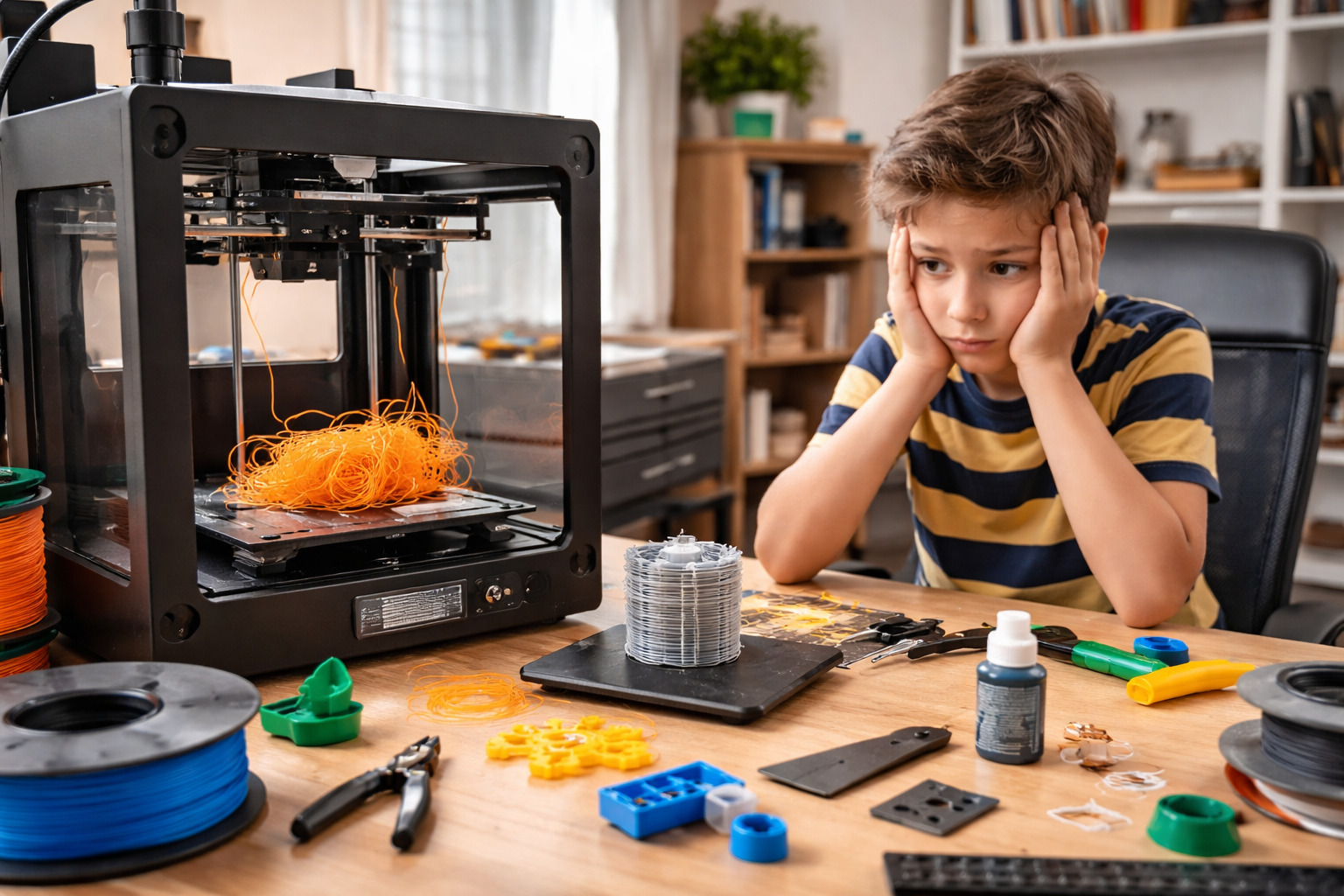
The net result is the domestic print system collapsing like a soufflé. The child loses interest because the reward is delayed and fragile. The parent becomes a reluctant technician, spending evenings debugging through YouTube and ChatGPT rather than, y’know, making. Eventually the printer becomes background noise, a source of family tension and, ultimately, a dust collector.
None of this requires better hardware. It requires different system behaviour.
A simpler learning curve would start with intent, not settings:
Does this need to be strong, or just look good?
Is speed important, or a reliable outcome?
Are you OK with supports, or should we minimise them?
Translate those answers into parameters quietly, and surface the trade-offs in plain language:
Cleaner finish = harder support removal.
Faster print = higher failure risk.
Stronger part = longer print time.
Then, add risk detection and guided recovery through intelligent prompting:
“First layer contact looks low for this material; this often fails. Increase it?”
“Stringing likely from this preview; reduce temperature or increase retraction?”
If a print fails, treat it as evidence, not user incompetence:
“It didn’t stick” – ie. adhesion failure – propose bed/temp/first-layer changes.
“The layers are in the wrong place” – ie. layer shift – propose speed/acceleration/belt checks.
“The supports damaged the print” – propose support style/density/contact changes.
That’s the missing middle: decision support, progressive disclosure, supervised recovery. As ever, the software work is not adding more controls to the slicer UI. It’s helping novices get to a successful print without turning a weekend hobby into an apprenticeship.
At this point someone will say, “Plenty of crafts are hard.” True. But many have immediate feedback, you see the mess you make with a brushstroke straight away. Others take longer, ceramics, for example, but typically a coach is alongside you, and you start small.
With 3D printing, the existence of model libraries and exciting videos creates a false sense of readiness. You’re effectively handed the Mona Lisa in week two and told to have at it. Or you’re asked to kick a 40-yard conversion in a stiff breeze, with no useful feedback as to why it fell short or why she’s got a wonky eye.
Until slicers take responsibility for the learning curve they impose, home 3D printing will keep making the same breezy social media promise that “anyone can make!” and delivering the same experience: anyone can… eventually.
AI: I used AI for the tags, the excerpt, image generation, and a light sub-edit. The ideas, references, observations, and anecdotes are mine.
 John Gibbard